Lives in your menu bar.
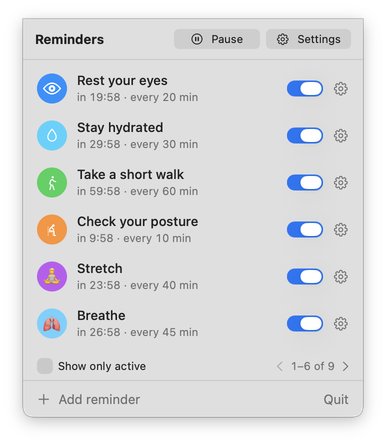
Always one click away. Glance at what's coming up, pause for a while or switch a reminder off, without opening a window.
Gentle reminders on your Mac to rest your eyes, drink water, move and sit well. Free, private, and calm by design.

Free · macOS 14 Sonoma or later · Apple silicon & Intel
Download it and you're done.
No analytics, no ads, nothing sent anywhere.
Your settings never leave your computer.
Each one starts with a sensible default. Change the timing whenever you like.
A pause to look into the distance and reset.
Default: every 20 minA friendly nudge to take a sip.
Default: every 30 minA reason to stand up and move.
Default: every 1 hourA light, regular check on how you're sitting.
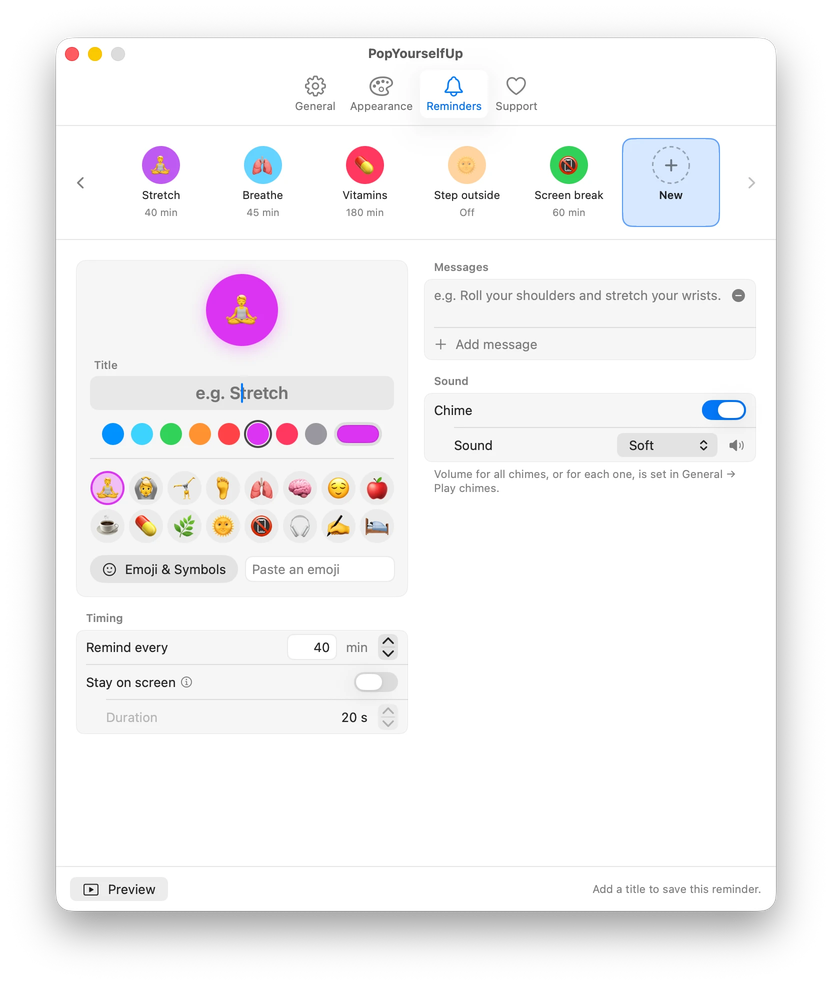
Default: every 10 minWrite custom reminders for anything — vitamins, stretching, a call home. Every interval, message, colour and sound is yours to change.
Always one click away. Glance at what's coming up, pause for a while or switch a reminder off, without opening a window.
Nothing pops up mid-call. If you like, reminders wait while your mic or camera is on or your calendar says busy, and arrive once you're free.
Already stepped away? Lock your screen or close the lid for five minutes and your timers start fresh, so you're never told to take a break you just had.
Pop-ups float on top without stealing focus, so you can finish your sentence. Glance, take a breath, carry on, or dismiss with one click.
A soft sound helps you notice a reminder when your eyes are elsewhere. Pick from seven chimes, set each one's volume, or go silent.
Chimes stay silent on your Mac's built-in speakers and play only through headphones or external speakers, so reminders stay yours in a shared room.
Choose from beautiful pop-up styles — including real Liquid Glass on macOS 26 — icon packs, animated icons and calm chimes. Everything is included, for free.
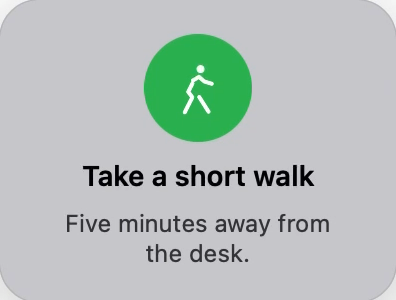

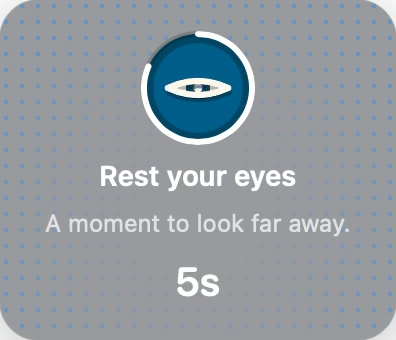

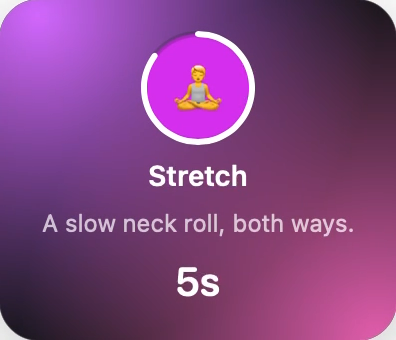
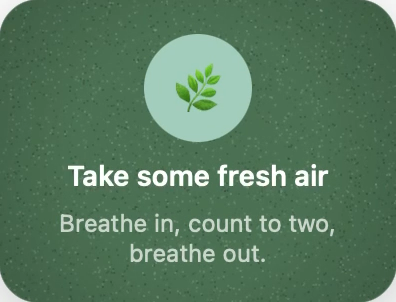
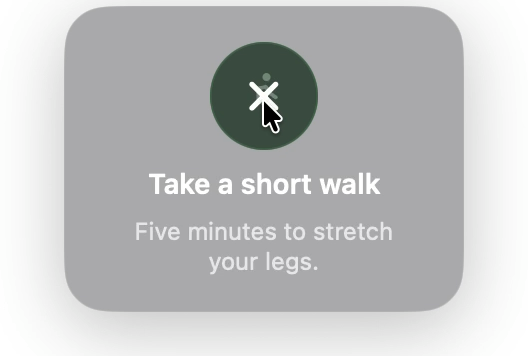
Real pop-ups, straight from the app. Liquid Glass refracts whatever is behind it, so it's best seen on your own desktop.
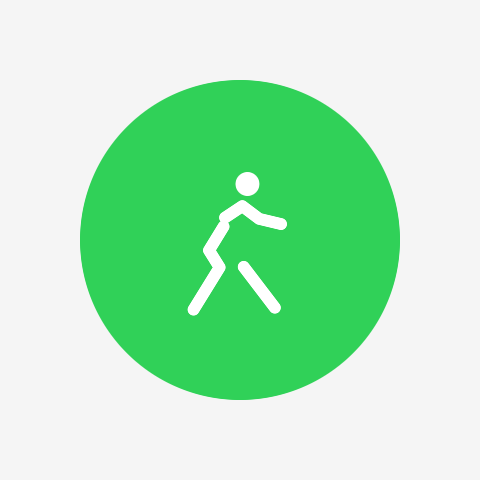
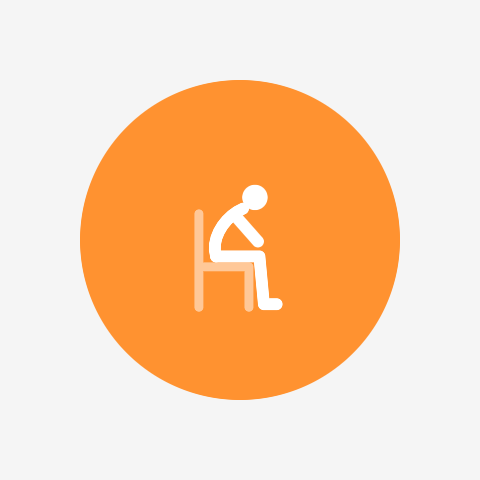
Switch on animated icons and every pack comes alive: the eye blinks, the droplet fills, the figure walks and the slouch straightens up.

I built PopYourselfUp for myself, because nothing I tried did everything I needed, or left me room to make it myself. Once I saw the difference it made to my days, I knew it had to become public, and free.
It's made by one independent developer. Every feature included, with no ads and no subscription needed.
If it makes your days a little kinder, you can buy me a coffee inside the app, or simply tell a friend. That helps more than you'd think.
— bruno
Tips aren't available in Austria, Belgium, Bulgaria, Croatia, Cyprus, Czechia, Denmark, Estonia, Finland, France, Germany, Greece, Hungary, Ireland, Italy, Latvia, Lithuania, Luxembourg, Malta, Netherlands, Poland, Portugal, Romania, Slovakia, Slovenia, Spain and Sweden.
Free · macOS 14 Sonoma or later · Apple silicon & Intel